
Block puzzle · Android
Stack Grove
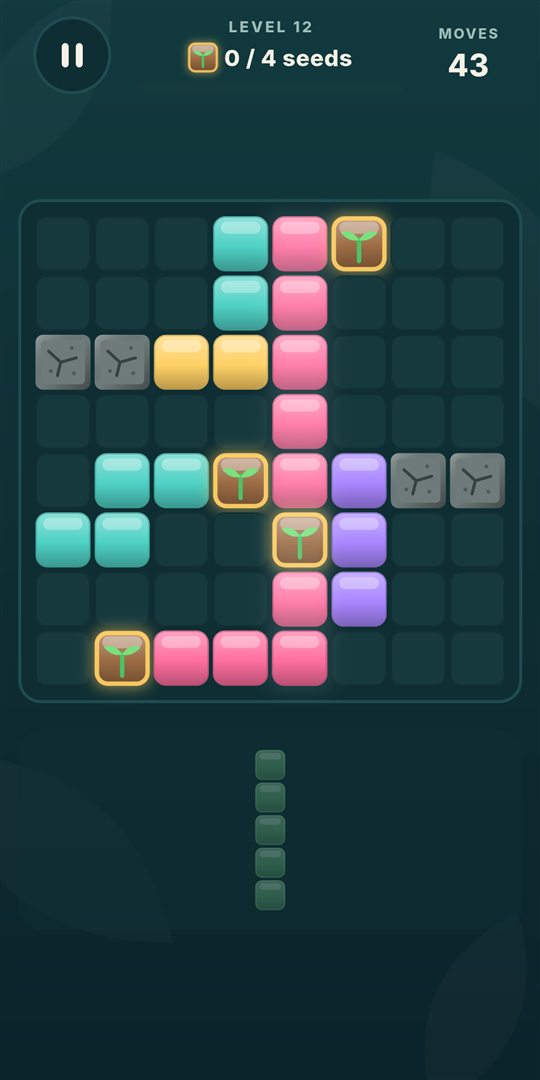
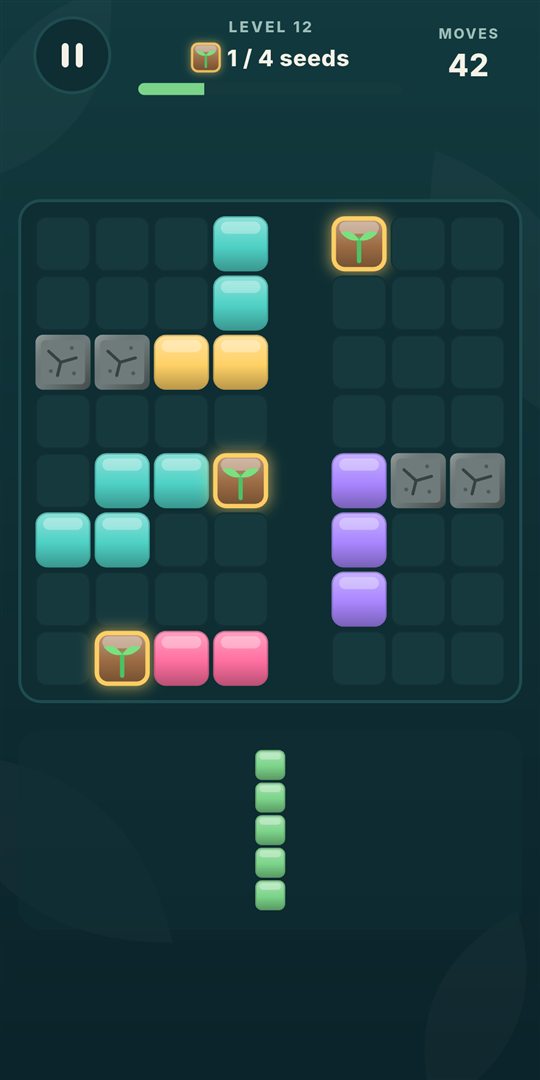
Place blocks, clear lines and grow your grove. A relaxing puzzle you can play anywhere, even offline.
Coming soon to Google Play
Privacy policy
Screenshots
Features
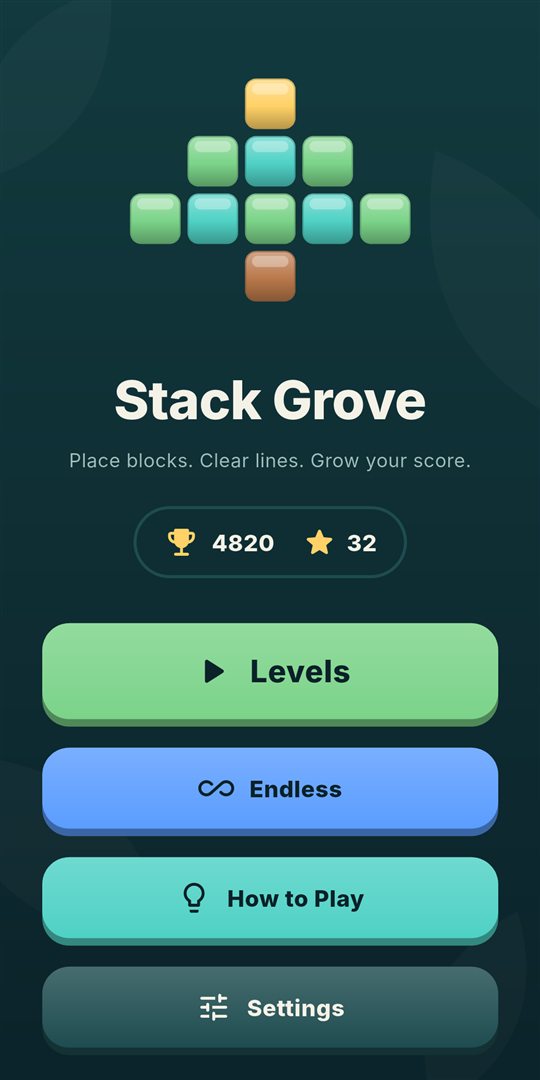
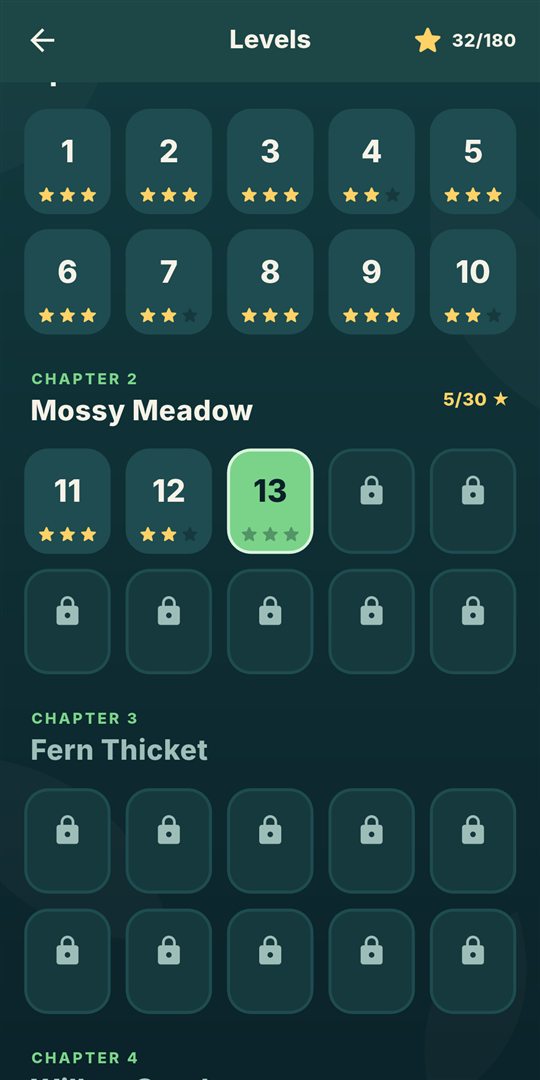
- 60 levels in 6 chapters, from Sprout Hollow to the Ancient Grove
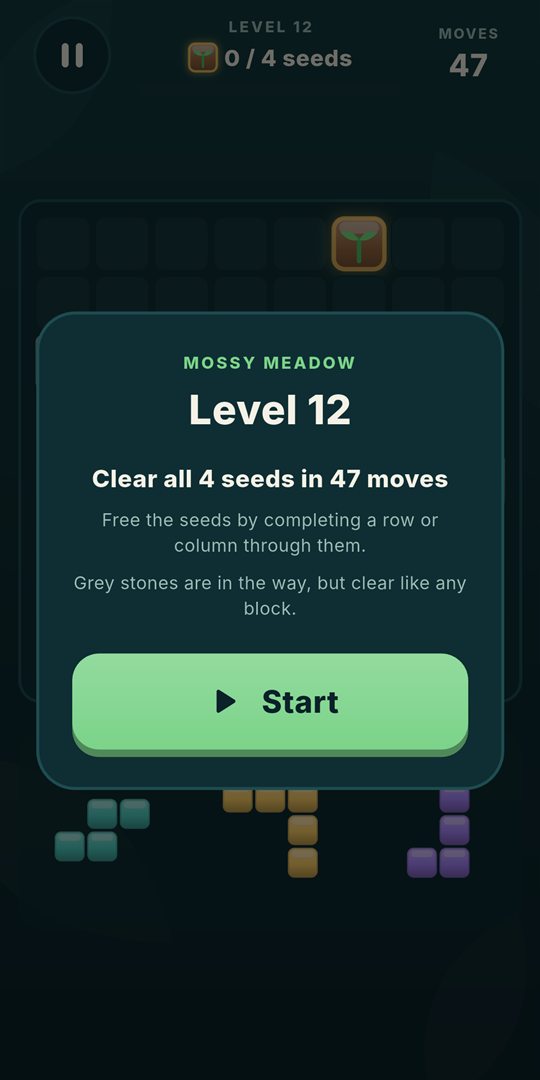
- Three kinds of goals: score, lines and seed rescue
- Up to three stars on every level
- Relaxing Endless mode for high-score chasers
- Glowing previews show which lines will clear before you drop
- Combo multipliers and multi-line bonuses
- Plays fully offline, no account or sign-in
- Sound and vibration can be switched off
- Free to play, with ads between games, never during play
How to play
- Three pieces wait below the board. Drag any of them onto an empty spot.
- Pieces can't be rotated, so choose where they go wisely.
- Fill a whole row or column to clear it.
- Clear several lines at once, or on back-to-back moves, for combo bonuses.
- Use all three pieces and you get three fresh ones.
Support
Do I need an internet connection?
No. The whole game works offline. An internet connection is only used to load ads.
How do I turn off sound or vibration?
Open Settings from the home screen and switch Sound or Vibration off.
How do I change my ad privacy choices?
In the European Economic Area, the UK and Switzerland, open Settings → Ad privacy choices in the game. Ads in Stack Grove are always non-personalised.
How do I reset my progress?
Your progress is stored only on your phone. To start over, go to Android Settings → Apps → Stack Grove → Storage → Clear data. This can't be undone.
I found a bug or have an idea
We'd love to hear it. Email flutterboy17@gmail.com and include your phone model if it's a bug.